
YouTube Video Downloader

Paste a YouTube link to fetch video information, transcript text, subtitles, and reusable download assets. The workflow is built for creators, students, researchers, and teams that need YouTube content in a cleaner format.

Explore Popular YouTube Transcripts

Browse recently generated YouTube video transcripts

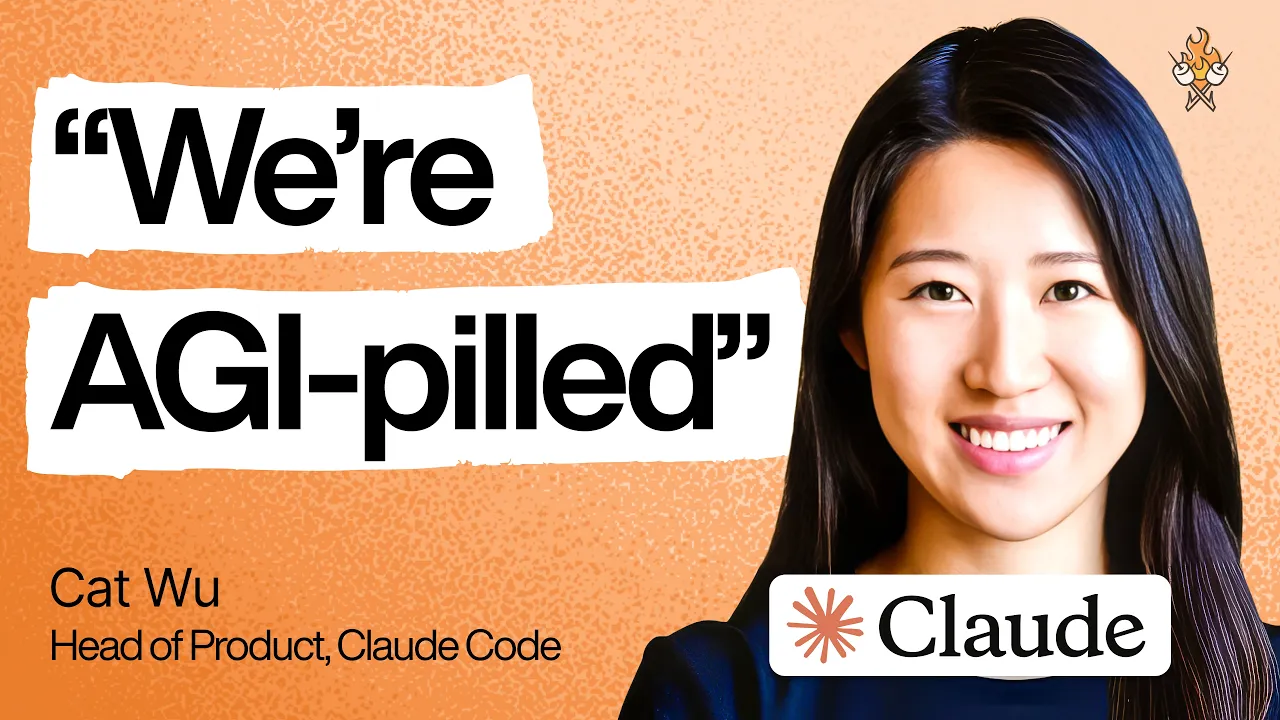
How Anthropic’s product team moves faster than anyone else | Cat Wu (Head of Product, Claude Code)
1:25:34

How Anthropic’s product team moves faster than anyone else | Cat Wu (Head of Product, Claude Code)

Lenny's Podcast

226,518 viewsMay 27
Confidence Expert: What Actually Builds Confidence (It’s Not What You Think)
1:05:06

Confidence Expert: What Actually Builds Confidence (It’s Not What You Think)

Front Row Seat with Ken Coleman

35,095 viewsApr 22
四十分鐘讀完資治通鑒!#認知覺醒#成長#人生#深夜讀書#情感故事#老年生活#一口氣看完#夜讀人生#閲人智慧#強者思維 #情商 #夜讀人生#社交技巧#处世智慧 #中國名著#名著#中國歷史#讀書#資治通鑒
41:53

四十分鐘讀完資治通鑒!#認知覺醒#成長#人生#深夜讀書#情感故事#老年生活#一口氣看完#夜讀人生#閲人智慧#強者思維 #情商 #夜讀人生#社交技巧#处世智慧 #中國名著#名著#中國歷史#讀書#資治通鑒

睡前讀本書

315,617 viewsApr 22
The original growth hacker reveals his secrets | Sean Ellis (author of “Hacking Growth”)
1:44:25

The original growth hacker reveals his secrets | Sean Ellis (author of “Hacking Growth”)

Lenny's Podcast

39,872 viewsApr 12
How To Become More Intelligent Than 99% Of People
48:08

How To Become More Intelligent Than 99% Of People

Dan Koe

663,669 viewsApr 12
The ultimate guide to founder-led sales | Jen Abel (co-founder of JJELLYFISH)
1:16:05

The ultimate guide to founder-led sales | Jen Abel (co-founder of JJELLYFISH)

Lenny's Podcast

80,062 viewsApr 12
What world-class GTM looks like in 2026 | Jeanne DeWitt Grosser (Vercel, Stripe, Google)
1:26:02

What world-class GTM looks like in 2026 | Jeanne DeWitt Grosser (Vercel, Stripe, Google)

Lenny's Podcast

75,866 viewsApr 12
Negotiation Expert: How to stop leaving 40% of your comp on the table | Jacob Warwick
1:54:54

Negotiation Expert: How to stop leaving 40% of your comp on the table | Jacob Warwick

Lenny's Podcast

26,895 viewsApr 12
How to Best Guide Your Life Decisions & Path | Dr. Jordan Peterson
3:51:10

How to Best Guide Your Life Decisions & Path | Dr. Jordan Peterson

Andrew Huberman

3,399,400 viewsDec 31
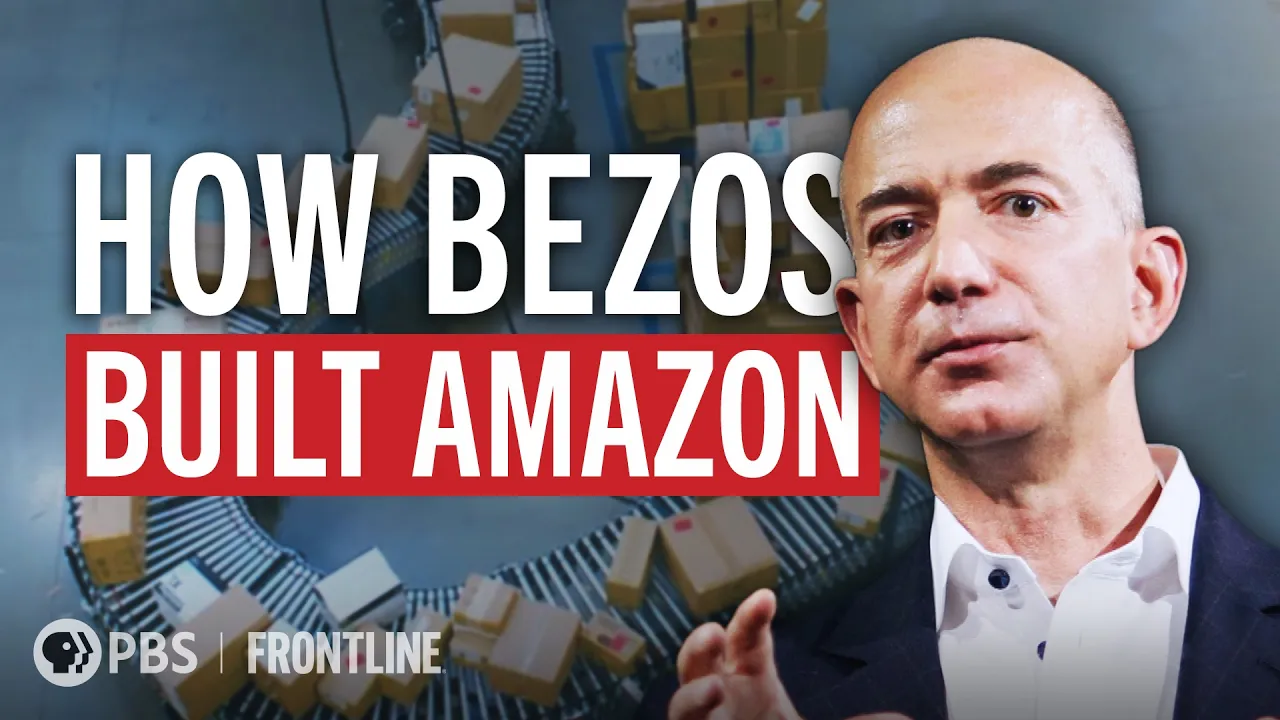
Amazon Empire: The Rise and Reign of Jeff Bezos (full documentary) | FRONTLINE
1:53:16

Amazon Empire: The Rise and Reign of Jeff Bezos (full documentary) | FRONTLINE

FRONTLINE PBS | Official

42,136,036 viewsDec 31
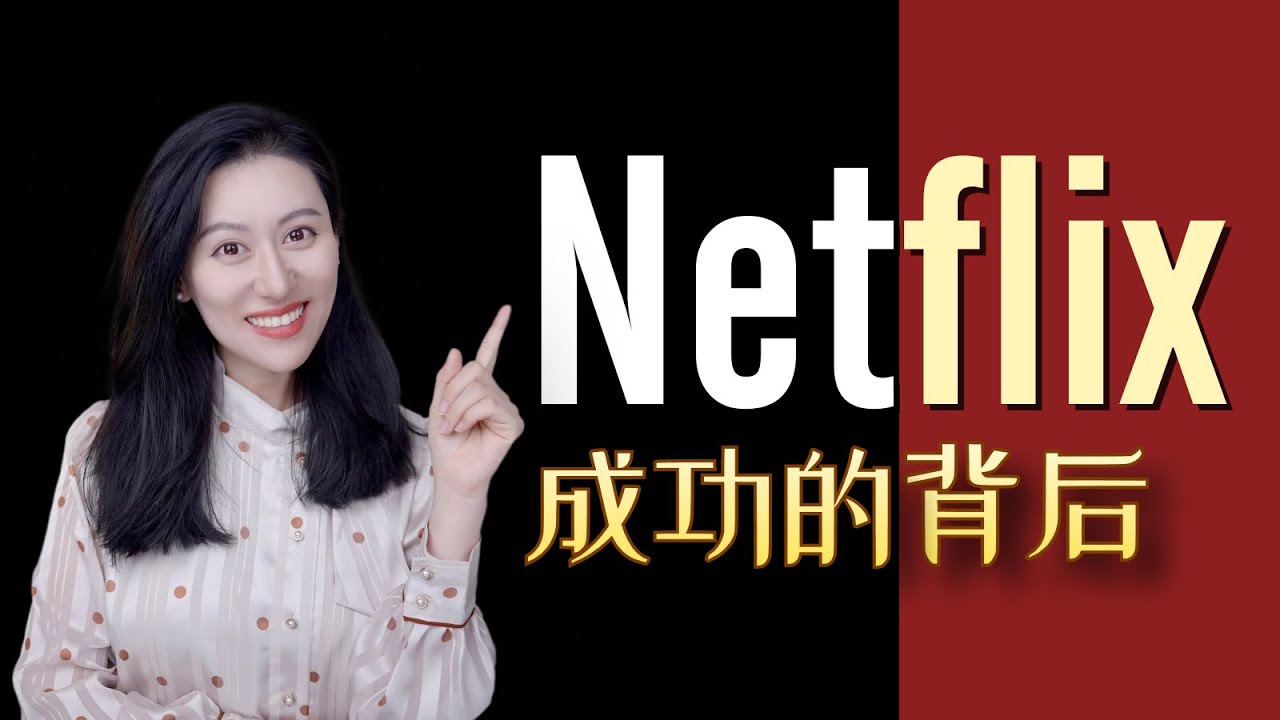
【硬核商业分析】Netflix到底赢在哪?
19:24

【硬核商业分析】Netflix到底赢在哪?

小Lin说

1,845,547 viewsDec 31
Nvidia CEO Huang New Chips, AI, Musk, Meeting Trump
15:28

Nvidia CEO Huang New Chips, AI, Musk, Meeting Trump

Bloomberg Technology

238,677 viewsSep 4

Download and reuse YouTube video assets

A practical guide to using a YouTube Video Downloader workflow.

VT
Video Tools@videotools

YouTube Video Downloader

What is a YouTube Video Downloader?

A YouTube Video Downloader helps you pull useful assets from a YouTube URL, including video information, captions, transcript text, and subtitle files when available. It is useful when you need to study, archive, reference, or repurpose video content without manually copying everything.

  • Start from a YouTube video URL
  • Fetch useful video and caption data
  • Prepare content for notes, subtitles, or review

YouTube Video Downloader overview
VT
Video Tools@videotools

YouTube Video Downloader

Why use a YouTube Video Downloader workflow?

YouTube videos often contain useful information that is hard to reuse from the player alone. A downloader workflow gives you a cleaner way to inspect the video, access subtitle assets, and turn spoken content into something searchable.

  • Review video details before saving anything
  • Use transcript text for research and notes
  • Export subtitle-friendly formats when available
Download YouTube video assets
VT
Video Tools@videotools

YouTube Video Downloader

From YouTube link to reusable assets

The workflow stays short: paste the video link, fetch the video data, review the available transcript or subtitle options, then copy or download the result you need. It keeps the process focused instead of forcing you through extra steps.

  • Paste the video link
  • Review transcript and subtitle options
  • Copy or download the useful output
YouTube URL to download assets workflow
VT
Video Tools@videotools

YouTube Video Downloader

Download formats that fit common workflows

Different users need different outputs. Creators may need subtitle files, students may want plain notes, and researchers may need text they can search. A YouTube Video Downloader should make these outputs easy to reach.

  • TXT for clean notes
  • SRT or VTT for subtitle workflows
  • Transcript text for search and analysis
YouTube video downloader export formats
VT
Video Tools@videotools

YouTube Video Downloader

Use downloaded assets responsibly

A YouTube Video Downloader is most useful when it helps you review, study, and organize accessible content. Always respect creator rights, platform rules, and local requirements before reusing or publishing downloaded material.

  • Check whether reuse is allowed
  • Verify important information against the source
  • Keep exported content within your intended use
Responsible YouTube video downloader use
VT
Video Tools@videotools

YouTube Video Downloader

Saving useful content takes too long

Manually pausing, copying notes, and finding the right moments in a video can take longer than the video itself. A YouTube Video Downloader workflow helps collect useful assets faster so you can spend time reviewing instead of hunting.

  • Reduce manual copying
  • Find reusable content faster
  • Move from watching to reviewing sooner
Save time with YouTube Video Downloader
VT
Video Tools@videotools

YouTube Video Downloader

The format you need is not easy to get

YouTube is built for playback, not for exporting clean notes or subtitle files. A downloader workflow helps bridge that gap by exposing text and caption-friendly formats when the source supports them.

  • Avoid retyping subtitles
  • Use text output for docs and notes
  • Keep subtitle formats ready for editing
YouTube downloader format pain point
VT
Video Tools@videotools

YouTube Video Downloader

Research is hard when the video is not searchable

Video timelines are slow to scan when you need quotes, names, or specific claims. Downloadable transcript assets make YouTube content easier to search, compare, and cite in your own workflow.

  • Search text instead of scrubbing the timeline
  • Collect quotes with more context
  • Review claims before using them
Search YouTube video transcript assets
VT
Video Tools@videotools

YouTube Video Downloader

Repurposing video content starts from a blank page

Creators often need captions, notes, short posts, summaries, or outlines from one video. Downloadable transcript and subtitle assets give you a structured starting point instead of an empty document.

  • Turn videos into post ideas
  • Create outlines from transcript text
  • Use subtitles as editing material
Repurpose YouTube video downloader assets
VT
Video Tools@videotools

YouTube Video Downloader

Downloaded text still needs quality review

Captions and transcript text can contain mistakes, especially with fast speech, background noise, names, or technical terms. A good workflow makes assets easier to access, but final publishing still needs human review.

  • Check names, numbers, and claims
  • Edit captions before publishing
  • Use the original video as the source of truth
Review downloaded YouTube transcript quality

YouTube Video Downloader FAQ

Common questions about downloading, reviewing, and reusing YouTube video assets.

What is a YouTube Video Downloader?

A YouTube Video Downloader helps fetch useful assets from a YouTube URL, such as video information, transcript text, subtitle files, or other reusable outputs when available.

How do I use the downloader?

Paste a YouTube video URL into the input area, fetch the video data, then review the available transcript or subtitle options. From there, copy or download the format that fits your workflow.

Can I download YouTube subtitles?

When subtitles or captions are available, the workflow can help you access subtitle-friendly outputs such as SRT, VTT, or plain text depending on the source and tool response.

Does it work for every YouTube video?

It works best with public YouTube videos that have accessible video data or captions. Private, restricted, removed, or unavailable videos may not return usable results.

Can I use it for YouTube Shorts?

YouTube Shorts may work when the video data and captions are accessible. Availability can vary by source video, caption status, and platform restrictions.

Can I download the actual video file?

This page focuses on fetching video information, transcripts, captions, and reusable text or subtitle assets. Always follow YouTube terms and creator rights before downloading or reusing media.

Is a YouTube Video Downloader useful for SEO?

Yes. Transcript and subtitle assets can help you identify topics, keywords, questions, and quotes from video content. Use them as a starting point for briefs, summaries, and content planning.

Is the transcript always accurate?

Transcript quality depends on the audio, captions, speaker clarity, and language. Review names, numbers, and technical terms before publishing or citing the output.

Do I need to install software?

No. The workflow runs in the browser, so you can paste a URL and work with the available outputs without installing a desktop app.

Is it safe to reuse downloaded content?

Use downloaded assets responsibly. Check permissions, platform rules, copyright status, and the original creator context before reposting, editing, or publishing material.